

Most Tucson business owners spend hours each month wrestling with spreadsheets and receipts instead of running their companies. QuickBooks can change that, but only if you set it up correctly from the start.
At Clear View Business Solutions, we’ve seen how proper QuickBooks setup training in Tucson transforms the way businesses handle their finances. This guide walks you through the setup process and shows you the mistakes to avoid.
Tucson business owners lose money the moment they ignore proper QuickBooks setup. A business that skips the fundamentals wastes approximately 13 hours per month on manual bookkeeping tasks that QuickBooks can handle automatically. That’s over 150 hours annually spent on work that adds zero value to your company. When you set up QuickBooks correctly, users report saving those 13 hours each month, which translates directly into time you can spend growing your business instead of sorting receipts. The real cost isn’t just time-it’s the errors that slip through. Misclassified transactions create inaccurate financial reports, which means you make business decisions based on wrong numbers. If you don’t reconcile accounts regularly, duplicate transactions hide in your books and distort your cash flow picture. One Tucson contractor discovered a $4,000 duplicate expense only after three months because they never reconciled their bank account. That error almost cost them a major loan approval.
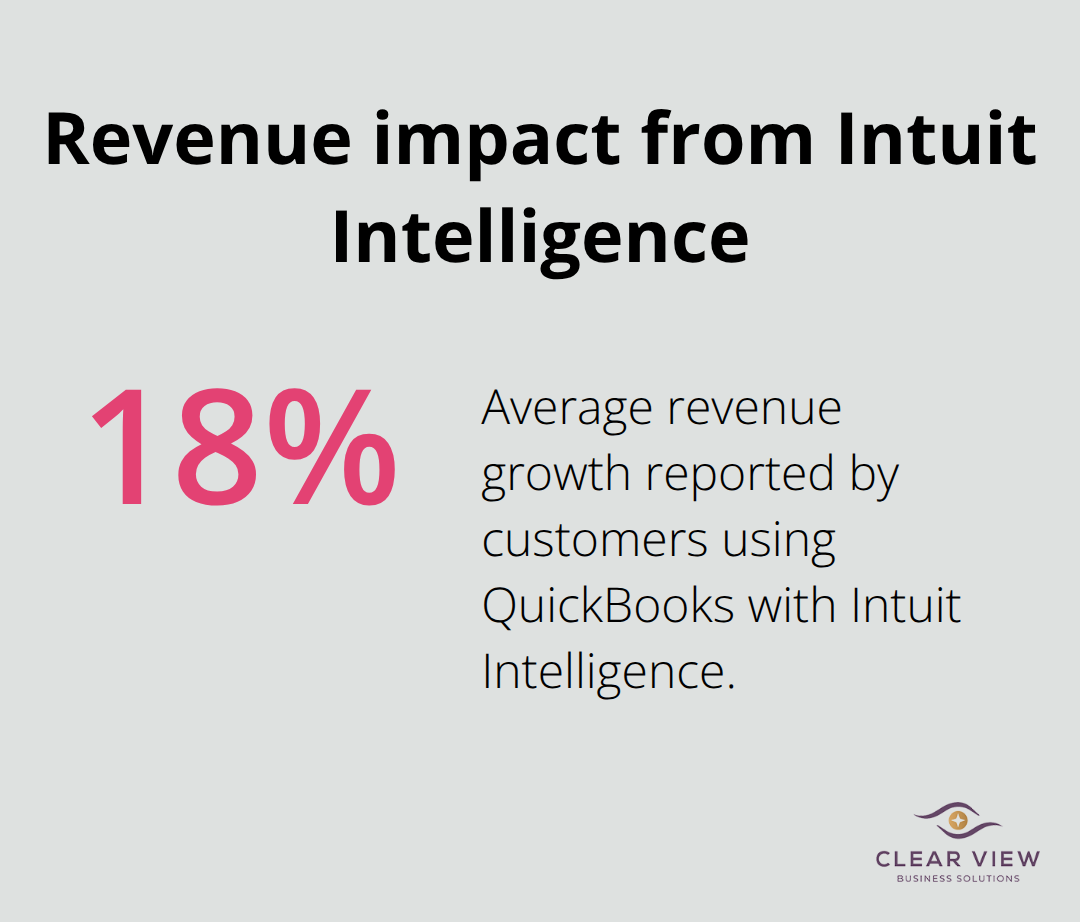
Proper QuickBooks setup gives you access to live financial data instead of month-old spreadsheets. Intuit Intelligence powers QuickBooks to deliver actionable cash flow forecasts. Customers using QuickBooks with Intuit Intelligence report growing revenue by 18% on average. These numbers matter because a Tucson business with $500,000 in annual revenue that achieves this growth gains significant working capital. That’s money you can use immediately for payroll, inventory, or growth instead of waiting.
The cost of fixing accounting errors after the fact far exceeds the cost of setting things up right initially. Accounting errors trigger penalties and interest charges from the Arizona Department of Revenue. If you fail to collect Form W-9s from vendors before issuing 1099s, the IRS can fine you $50 per missing or incorrect form. When you set up your chart of accounts correctly from day one and assign every transaction to the proper account, your tax preparation becomes straightforward. Your accountant spends less time reclassifying entries, which means lower accounting fees. Proper setup also protects you from compliance issues that drain both time and money.
Many Tucson business owners think they can set up QuickBooks quickly and move on. This approach backfires. Duplicate transactions hide in your books and distort your cash flow picture. Misclassified expenses land in the wrong accounts, making your financial reports unreliable. Sales tax calculations become inconsistent across locations and product types. These problems compound over time, and fixing them later costs far more than setting things up correctly from the start. The next section walks you through the proper setup process so you avoid these pitfalls entirely.
QuickBooks Online works better than QuickBooks Desktop for most Tucson businesses today. Cloud-based access lets you use QuickBooks anytime, anywhere with an Internet connection and login, while Desktop versions require manual installation and lock you into one computer. Online versions sync automatically across devices, back up your data without you lifting a finger, and let your accountant access your books from anywhere. If you run a service business, retail operation, or contracting firm in Tucson, QuickBooks Online handles your invoicing, expense tracking, and payroll without the technical friction. The only time Desktop makes sense is if you manage complex inventory across multiple warehouse locations or run specialized manufacturing operations that demand features Online doesn’t offer yet. Most Tucson business owners should start with Online unless your accountant or bookkeeper specifically tells you otherwise.
Your chart of accounts determines whether your financial reports tell you the truth or mislead you into bad decisions. This isn’t theoretical-a Tucson contractor who lumped all subcontractor expenses into one account couldn’t track which project types were actually profitable. When you set up accounts correctly, they typically begin with assets, followed by liabilities and equity, then revenue and expenses. Within Expenses, you create separate accounts for each category you actually need to track. If you track job costing by project, you create subaccounts under Labor for each job. If sales tax varies by location, you create separate Sales Tax Payable accounts for each jurisdiction where you operate. The chart of accounts template QuickBooks provides is a starting point, not a final solution-customize it to match how you actually run your business.
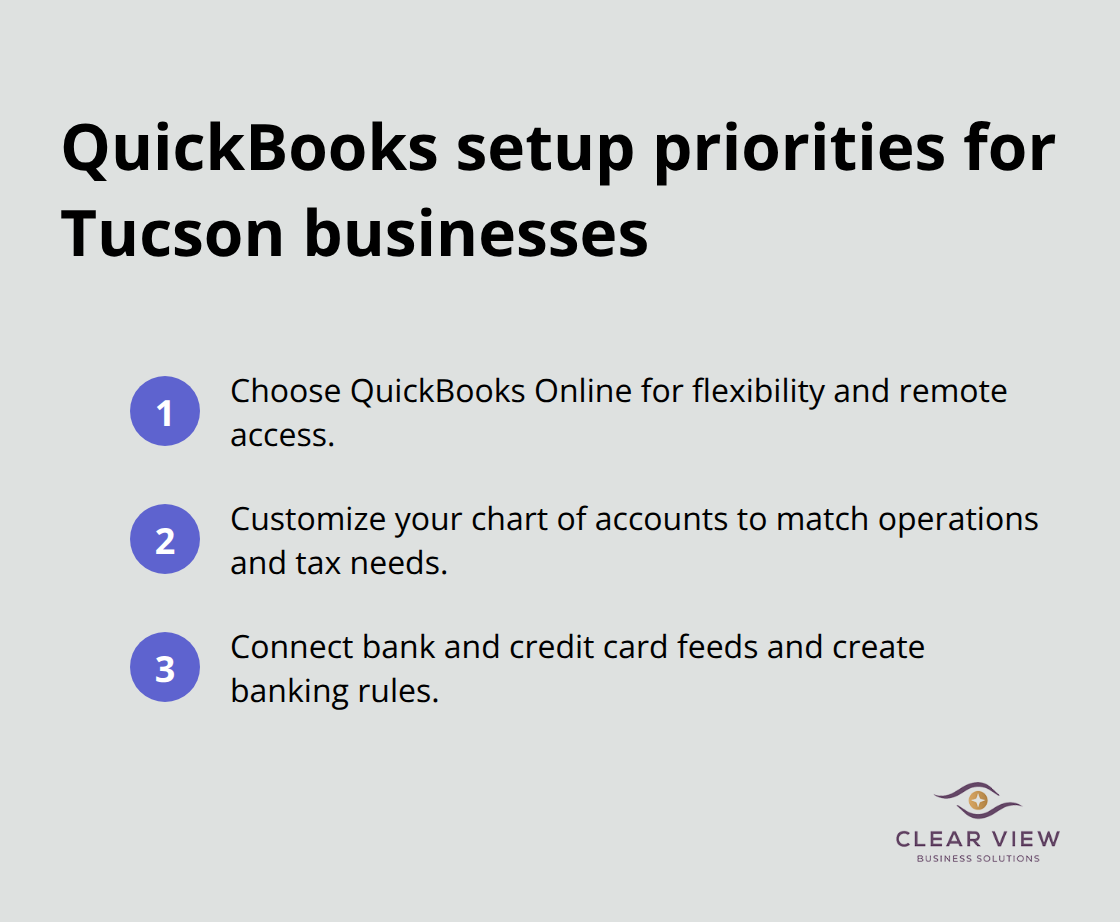
Connecting your bank accounts and credit cards to QuickBooks takes fifteen minutes but saves hours monthly on transaction entry. When you link accounts, QuickBooks pulls transactions automatically and suggests categorizations based on patterns. This sounds convenient until you realize the real benefit: reconciliation becomes faster because your bank feed already shows what cleared. You set up banking rules under Banking > Rules so recurring transactions categorize automatically without manual work. A Tucson business that processes customer payments monthly through their business bank account saves time from automated categorization. You start with your primary business checking account, then add credit cards you use for business expenses. Avoid the temptation to link personal accounts-mixing personal and business transactions creates compliance nightmares and makes your financial picture unreliable for tax purposes.
With your QuickBooks foundation in place, you’re ready to avoid the mistakes that derail most Tucson business owners. The next section reveals exactly which errors cost the most money and how to prevent them before they damage your books.
Most Tucson business owners make the same three mistakes repeatedly, and each one costs real money. The first mistake happens within weeks of setup when transactions land in the wrong accounts. A service business owner categorizes subcontractor labor as an office supply expense, then wonders why their job costing reports show false profitability. When you misclassify transactions, your financial reports become fiction instead of fact.
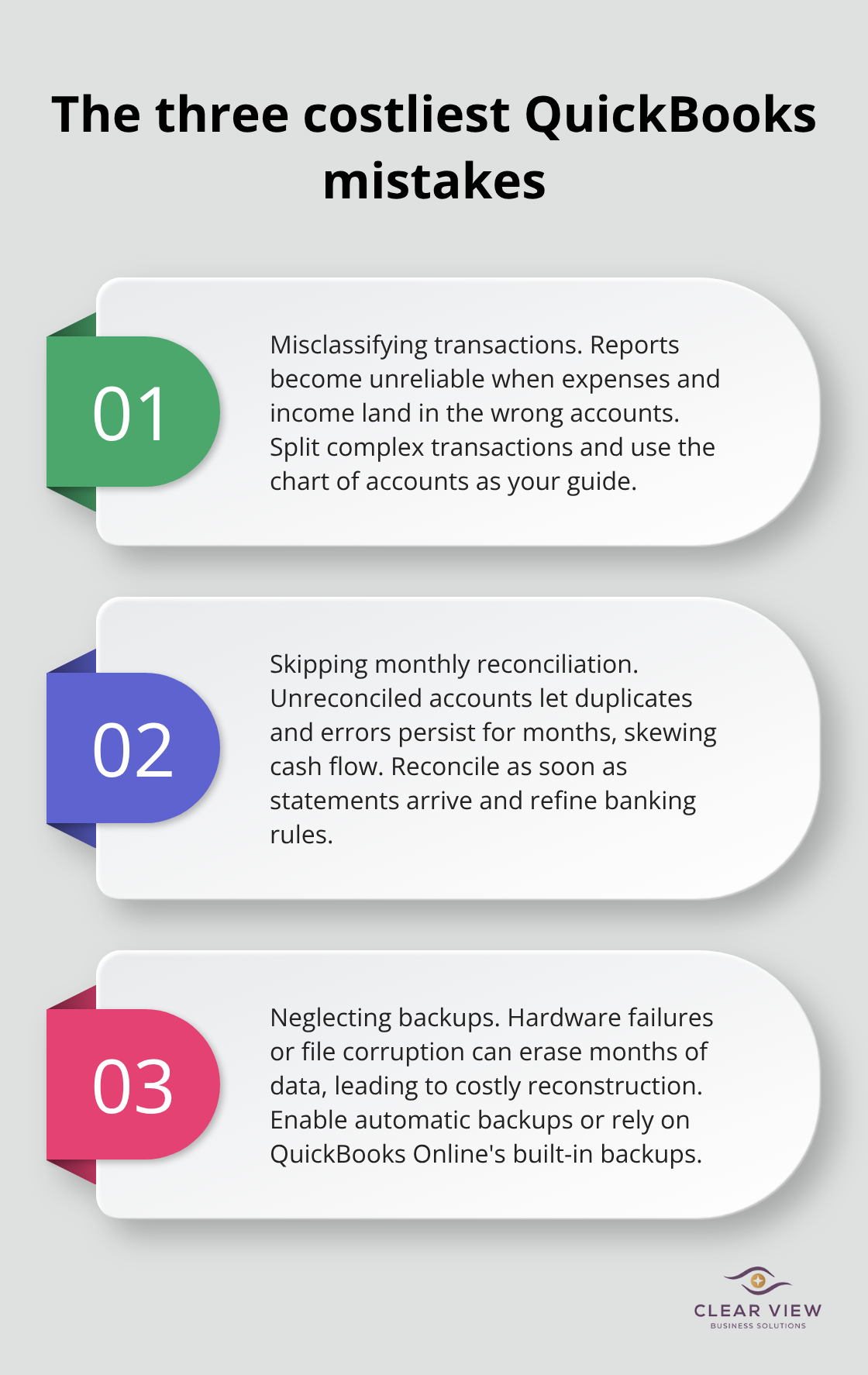
The Arizona Department of Revenue has flagged businesses for incorrect expense categorization, which triggers audits and penalties. To prevent this, assign every single transaction to its proper account immediately when recording it. Use QuickBooks’ chart of accounts as your guide, and if a transaction doesn’t fit neatly into one category, split it. A loan repayment splits into principal and interest because they hit different accounts. A mixed purchase of supplies and equipment splits across both categories. The moment you leave a transaction as uncategorized expense or force it into the wrong account, you’ve poisoned your entire financial picture.
The second mistake is skipping monthly reconciliation. Tucson contractors and retail owners tell us they reconcile quarterly or even annually, which is far too late. When you fail to reconcile monthly, duplicate transactions hide for months. One Tucson business discovered a $4,000 duplicate expense only after three months because they never reconciled their bank account. That error had already influenced decisions and created confusion.
Reconcile your bank account the moment your statement arrives. Match transactions using Find Match instead of Add to avoid creating duplicates. If a duplicate slips through, delete it by opening the transaction and choosing More > Delete. Review your banking rules under Banking > Rules monthly and create custom rules for recurring categories. This reduces manual categorization errors and catches problems early.
The third mistake is neglecting backups entirely. QuickBooks Online backs up automatically, but many Tucson business owners still run Desktop versions without backup protocols. A hard drive failure erases months of financial records, forcing you to reconstruct transactions from receipts and bank statements. This reconstruction costs thousands in accounting fees and creates compliance gaps.
If you use QuickBooks Desktop, set up automatic backups to a cloud service or external drive immediately. If you use QuickBooks Online, you’re protected, but verify that your accountant has access to your books for backup purposes anyway. These three errors-misclassification, skipped reconciliation, and missing backups-represent the costliest mistakes Tucson business owners make with QuickBooks.
Proper QuickBooks setup transforms how Tucson businesses manage their finances. When you set up your chart of accounts correctly, connect your bank feeds, and establish monthly reconciliation habits from day one, you eliminate the chaos that derails most business owners. The 13 hours per month you save on manual bookkeeping isn’t just convenience-it’s time you redirect toward actual business growth.
Professional QuickBooks setup training in Tucson accelerates your learning and prevents costly mistakes before they happen. A contractor faces different setup challenges than a retail owner, and a service business needs different job costing structures than a manufacturing operation. When you invest in proper training upfront, you avoid the expensive corrections that come later.
We at Clear View Business Solutions help Tucson business owners implement QuickBooks correctly and keep their books running smoothly. Contact Clear View Business Solutions to discuss how we can accelerate your QuickBooks implementation and keep your financial records reliable.




At Clear View Business Solutions, we know you want your business to prosper without having to worry about whether you are paying more in taxes than you should or whether your business is set up correctly. The problem is it's hard to find a trusted advisor who can translate financial jargon to layman's terms and who can actually help you plan for better results.
We believe it doesn't have to be this way! No business owner should settle for working with a CPA firm that falls short of understanding what you want to achieve and how to help you get there.
Northwest Location:
7530 N. La Cholla Blvd., Tucson, AZ 85741
Central Location:
2933 N Campbell Avenue, Tucson, AZ 85719
© 2026 Clear View Business Solutions. All Rights Reserved.
At Clear View Business Solutions, we know you want your business to prosper without having to worry about whether you are paying more in taxes than you should or whether your business is set up correctly. The problem is it's hard to find a trusted advisor who can translate financial jargon to layman's terms and who can actually help you plan for better results.
We believe it doesn't have to be this way! No business owner should settle for working with a CPA firm that falls short of understanding what you want to achieve and how to help you get there. With over 20 years of experience serving hundreds of business owners like you, our team of experts combines financial expertise and proactive communication with our drive to help each client achieve results and have fun along the way.
Here's how we do it:
Discover: We start with a consultation to understand your specific goals, what's holding you back, and what success looks like for you.
Strategize & Optimize: Together, we design a customized strategy that empowers you to progress toward your goals, and we optimize our communication as partners.
Thrive: You enjoy a clear view of your business and your financial prosperity.
Schedule a consultation today, and take the first step toward being able to focus on your core business again without wondering if your numbers are right- or what they mean to your business.
In the meantime, download, "The Business Owner's Essential Guide to Tax Deductions" and make sure you aren't leaving money on the table.