


At Clear View Business Solutions, we understand the power of efficient financial management for businesses of all sizes.
QuickBooks Enterprise training videos offer a comprehensive solution for mastering this robust accounting software.
These videos provide step-by-step guidance on everything from basic setup to advanced features, helping you streamline your financial processes.
In this post, we’ll show you how to make the most of QuickBooks Enterprise training videos to boost your accounting skills and improve your business operations.
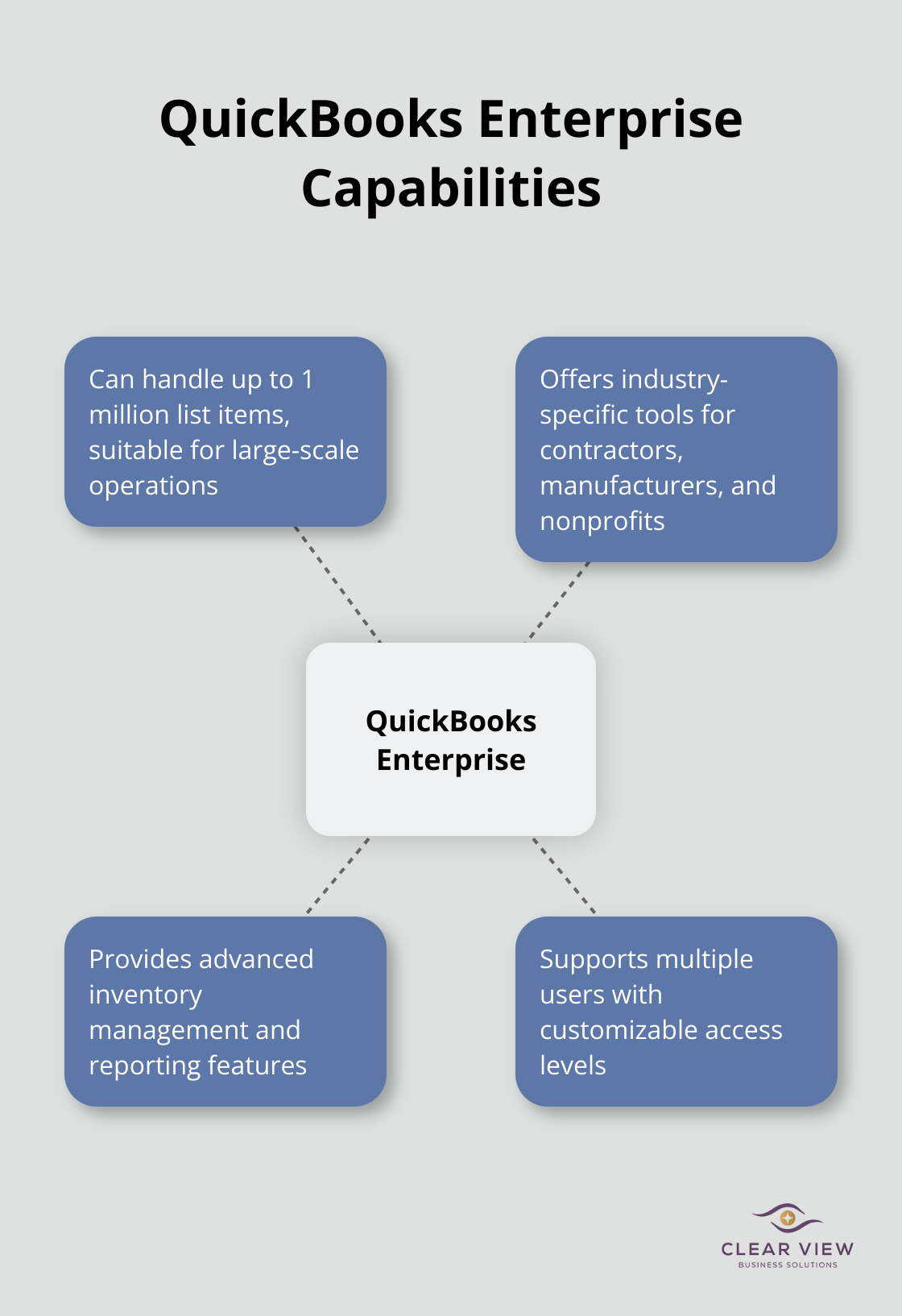
QuickBooks Enterprise features help you manage inventory, payroll, and reporting. These tools help manage employees and support your business. The software can handle up to 1 million list items (making it suitable for large-scale operations). It also provides industry-specific tools for contractors, manufacturers, and nonprofits.
To access the QuickBooks Enterprise training video library, log into your QuickBooks account and navigate to the ‘Help’ menu. Select ‘Training Videos’ to view the available content. You can also visit the official Intuit QuickBooks website and look for the ‘Learn & Support’ section. Here, you’ll find numerous video tutorials categorized by topic and skill level.
Set up a dedicated space for your QuickBooks Enterprise training. Ensure you have a stable internet connection and a device with a good-sized screen to view the videos comfortably. Use headphones to minimize distractions and improve focus. Keep your QuickBooks Enterprise software open on another screen or device so you can practice alongside the videos.
Schedule regular learning sessions. Consistency is key when you acquire new skills. Try to set aside at least 30 minutes each day for training. This approach will help you make steady progress without overwhelming yourself.
As you progress through the basic training videos, start to identify areas where you want to expand your knowledge. QuickBooks Enterprise offers advanced features that can significantly enhance your financial management capabilities. Make a list of these advanced topics (such as custom reporting or advanced inventory tracking) to guide your future learning.
The next section will discuss how to maximize your learning experience and create a personalized training plan tailored to your specific business needs.
Assess your current skill level and identify specific areas for improvement. QuickBooks Desktop Enterprise offers a wide range of features, including accounting, inventory management, reporting, pricing rules, job costing, payroll, and time tracking. Focus on those most relevant to your business needs. If you’re in manufacturing, prioritize videos on inventory management and job costing.
Create a structured learning schedule that aligns with your work commitments. Dedicate time to your QuickBooks Enterprise training. This consistent approach will help you build and retain knowledge more effectively than sporadic, longer sessions.
Don’t just passively watch videos. Practice active learning by pausing videos frequently to apply what you’ve just learned in your own QuickBooks environment. This hands-on approach will help you retain information and develop practical skills.
Use the ‘Pomodoro Technique’ to maintain focus during your learning sessions. Study for 25 minutes, then take a 5-minute break. This method can prevent burnout and improve concentration, especially when tackling complex topics like advanced reporting or multi-currency transactions.

Take detailed notes as you watch the training videos. Use a digital note-taking tool that allows you to organize information by topic and easily search for specific points later. This will create a personalized reference guide for future use.
After each video, create practice exercises based on real scenarios in your business. For instance, if you’ve just learned about customizing invoices, spend time designing templates that match your brand and include all necessary information for your clients.
Review your notes and repeat exercises regularly to reinforce your learning. QuickBooks Enterprise is a powerful tool, and mastery comes through consistent practice and application.
Join QuickBooks forums and online communities (such as the official Intuit Community) to connect with other users. These platforms provide valuable opportunities to ask questions, share experiences, and learn from others who may have encountered similar challenges.
Participate in webinars and live Q&A sessions offered by QuickBooks. These interactive events often cover advanced topics and provide real-time answers to your specific questions, enhancing your learning experience.
As you progress through your QuickBooks Enterprise training, you’ll encounter a wide array of topics and features. In the next section, we’ll explore the key subjects covered in QuickBooks Enterprise training videos and how they can benefit your business operations.
QuickBooks Enterprise training videos cover a wide range of essential topics to help you master this powerful accounting software. We’ve identified the most important areas that can significantly impact your business operations.
The foundation of effective QuickBooks Enterprise use is a properly set up company file. Training videos guide you through this critical process, showing you how to input your business information, chart of accounts, and fiscal year details. You’ll learn to customize your company preferences (such as enabling features like inventory tracking or multi-currency support). This initial setup ensures your QuickBooks Enterprise aligns perfectly with your business structure and needs.
QuickBooks Enterprise excels in helping you manage relationships with customers, vendors, and employees. Training videos demonstrate how to create detailed customer and vendor profiles, set up payment terms, and track outstanding balances. You’ll discover how to generate professional invoices, record payments, and manage accounts receivable efficiently. For employee management, videos cover payroll setup, time tracking, and benefit management. These skills are vital for maintaining healthy cash flow and strong business relationships.
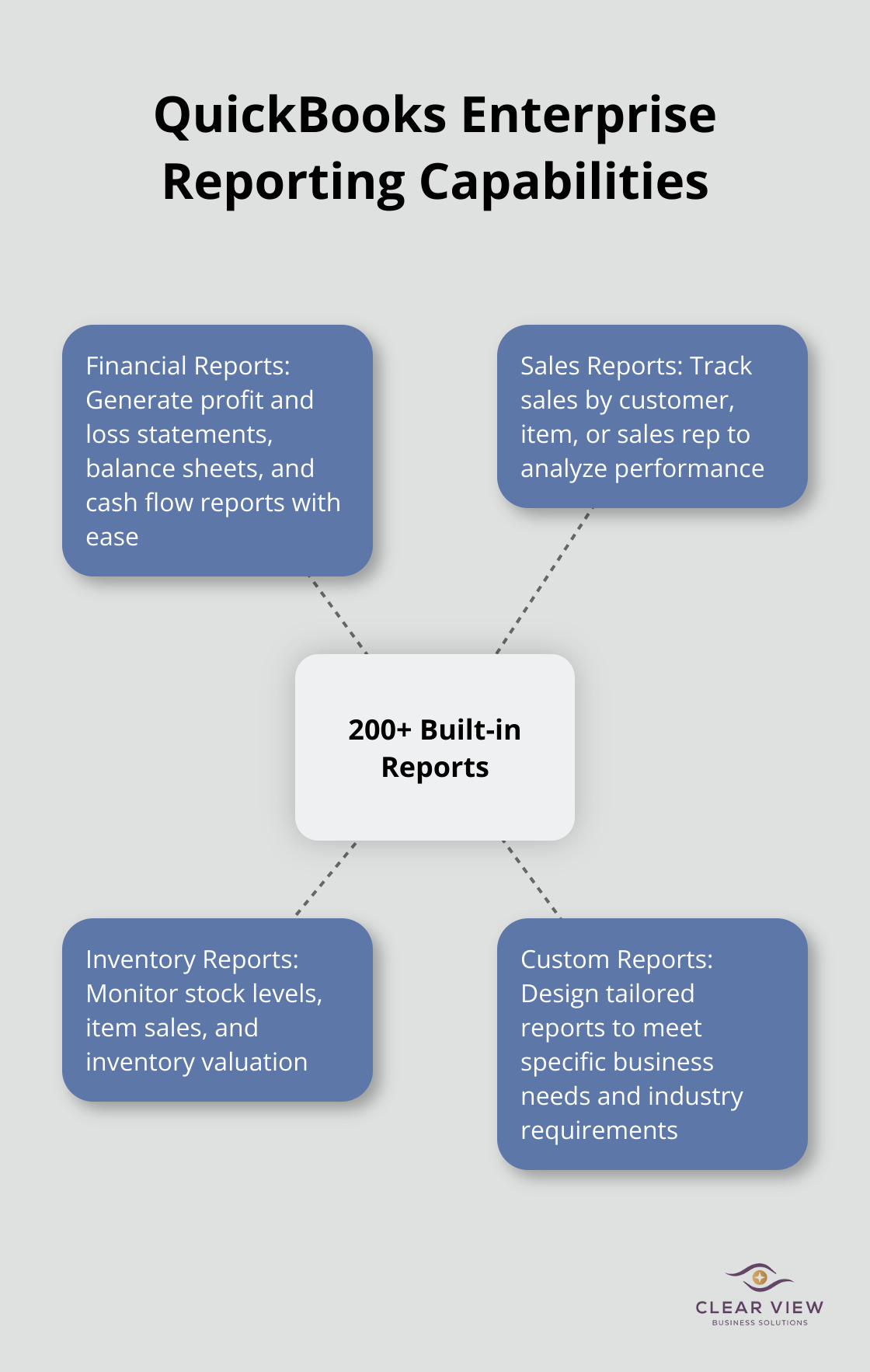
One of QuickBooks Enterprise’s most powerful features is its robust reporting capability. Training videos show you how to create and customize over 200 built-in reports. You’ll learn to generate profit and loss statements, balance sheets, and cash flow reports with just a few clicks. Advanced tutorials cover how to design custom reports tailored to your specific business needs. You can customize reports by modifying data, adding or deleting columns, adjusting header/footer information, and personalizing font and style.
For businesses with more complex needs, QuickBooks Enterprise offers advanced features covered in depth by training videos. You’ll learn about sophisticated inventory management techniques, including bin location tracking and barcode scanning. Job costing tutorials show you how to track expenses and profitability for individual projects or clients. These advanced features can significantly enhance operational efficiency and profitability, especially for manufacturing, construction, or project-based businesses.
QuickBooks Enterprise training videos also cover how to integrate the software with other business tools and customize it to fit your unique needs. You’ll learn about connecting QuickBooks with CRM systems, e-commerce platforms, and other essential business software. The videos also demonstrate how to create custom fields, forms, and reports to tailor QuickBooks Enterprise to your specific industry requirements. For businesses looking to streamline their operations further, QuickBooks Point of Sale training can be particularly beneficial.
QuickBooks Enterprise training videos provide a flexible way to master this powerful accounting software. You can enhance your financial management skills by setting aside regular time for training and applying new knowledge to your business operations. We recommend you implement one new feature at a time, such as advanced inventory tracking for your most important products.
QuickBooks Enterprise mastery is an ongoing process that will help you make informed financial decisions and improve efficiency. As you become more proficient, you’ll discover new ways to leverage the software to drive your business forward. You can expand your use of the software gradually as your confidence grows.
For personalized guidance on implementing QuickBooks Enterprise in your business, reach out to financial advisory experts. These professionals can provide tailored solutions to your specific needs. QuickBooks Enterprise training videos (and expert advice) will equip you with the tools to grow your business and elevate your financial management skills.




At Clear View Business Solutions, we know you want your business to prosper without having to worry about whether you are paying more in taxes than you should or whether your business is set up correctly. The problem is it's hard to find a trusted advisor who can translate financial jargon to layman's terms and who can actually help you plan for better results.
We believe it doesn't have to be this way! No business owner should settle for working with a CPA firm that falls short of understanding what you want to achieve and how to help you get there.
Northwest Location:
7530 N. La Cholla Blvd., Tucson, AZ 85741
Central Location:
2929 N Campbell Avenue, Tucson, AZ 85719
© 2025 Clear View Business Solutions. All Rights Reserved.
At Clear View Business Solutions, we know you want your business to prosper without having to worry about whether you are paying more in taxes than you should or whether your business is set up correctly. The problem is it's hard to find a trusted advisor who can translate financial jargon to layman's terms and who can actually help you plan for better results.
We believe it doesn't have to be this way! No business owner should settle for working with a CPA firm that falls short of understanding what you want to achieve and how to help you get there. With over 20 years of experience serving hundreds of business owners like you, our team of experts combines financial expertise and proactive communication with our drive to help each client achieve results and have fun along the way.
Here's how we do it:
Discover: We start with a consultation to understand your specific goals, what's holding you back, and what success looks like for you.
Strategize & Optimize: Together, we design a customized strategy that empowers you to progress toward your goals, and we optimize our communication as partners.
Thrive: You enjoy a clear view of your business and your financial prosperity.
Schedule a consultation today, and take the first step toward being able to focus on your core business again without wondering if your numbers are right- or what they mean to your business.
In the meantime, download, "The Business Owner's Essential Guide to Tax Deductions" and make sure you aren't leaving money on the table.