

QuickBooks Online is the accounting tool that Tucson business owners rely on to manage their finances without being tied to a desktop. We at Clear View Business Solutions have helped countless local businesses move their accounting to the cloud and immediately see the benefits.
This guide walks you through everything from your initial setup to the advanced strategies that keep your cash flow healthy and your reporting accurate.
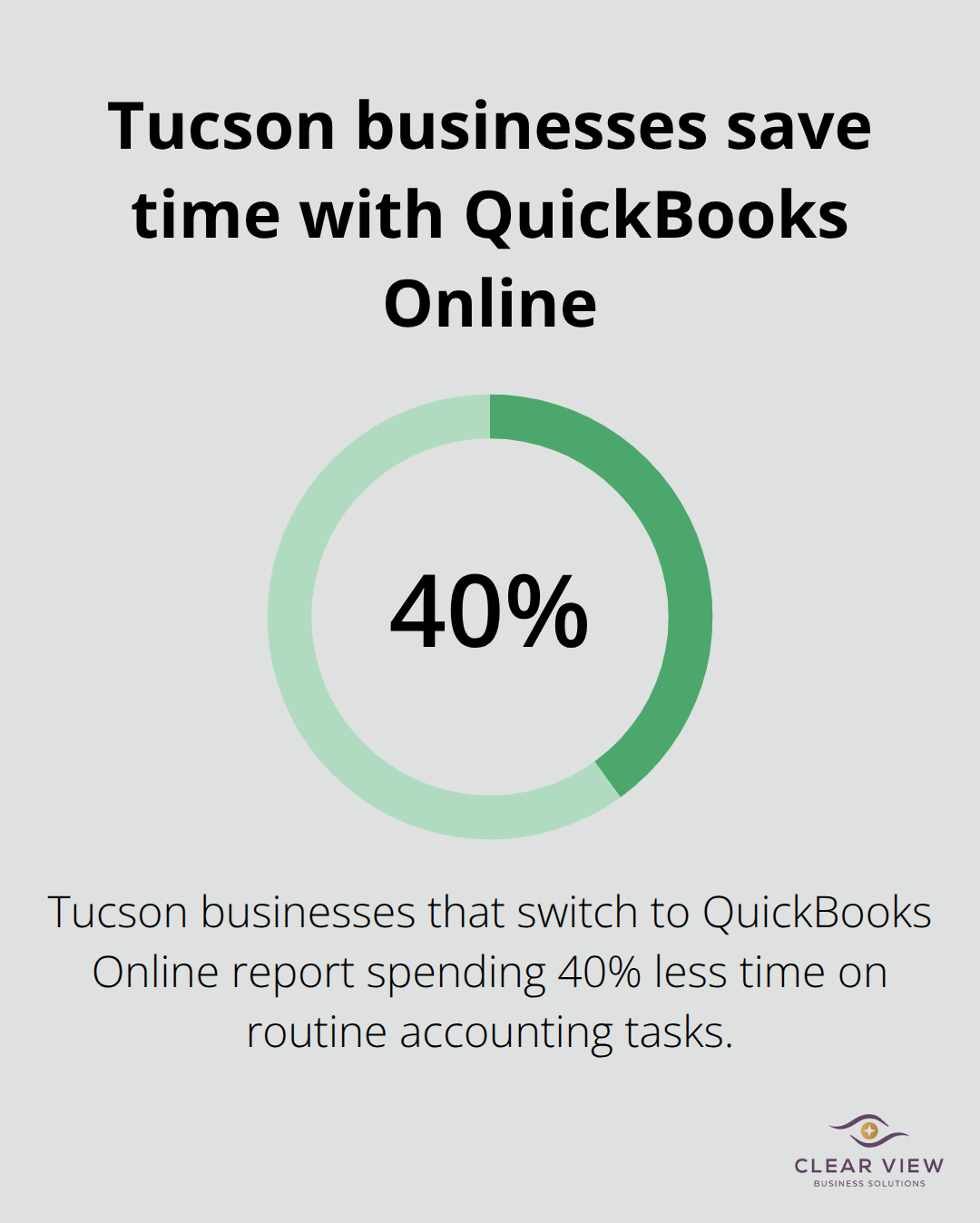
Cloud-based accounting removes the friction that desktop software creates. You work from any device without being locked into one computer, you skip manual update installations, and your data syncs automatically across all your devices. Tucson businesses that switch to QuickBooks Online report spending 40% less time on routine accounting tasks. The advantage appears immediately: when you’re at a job site and a client asks about their invoice status, you pull up QuickBooks on your phone and answer in seconds.
Setting up your account properly from the start prevents costly mistakes later. Start by choosing the right subscription tier for your business size. QuickBooks Online Plus costs $140 monthly and supports unlimited users plus advanced reporting, which works well for businesses managing multiple departments. The Essentials plan at $50 monthly covers basic invoicing and expense tracking but limits users to three people. If you run a small operation solo or with one employee, Essentials handles the job effectively.
Spend time on the setup wizard carefully. You need to enter your business structure, fiscal year, and industry classification accurately because these settings affect how QuickBooks calculates taxes and suggests account categories. Many Tucson business owners rush this step and end up reorganizing their chart of accounts three months in, which wastes time and creates confusion.
Linking your bank accounts to QuickBooks Online happens through secure connections that Intuit maintains with thousands of financial institutions. QuickBooks supports 12,000+ banks and credit unions in the United States. The connection pulls transaction data automatically, which eliminates manual entry and catches reconciliation errors fast.
After you authorize the connection, set your import preferences carefully. You should import transactions as unreviewed rather than automatically categorizing them. This takes an extra minute per week but stops QuickBooks from miscategorizing a business meal as office supplies or a client refund as income.
Your payment methods matter significantly. If you accept credit cards through Square or Stripe, connect those accounts to QuickBooks so payment deposits appear automatically without you manually recording them. This integration alone saves three to four hours monthly on reconciliation work.
For Tucson businesses that send invoices to contractors or clients, enable QuickBooks Payments to accept online payments directly through your invoices. Customers who pay online get processed faster, reducing your days sales outstanding by an average of eight days based on Intuit data.
Start with one or two accounts connected and test the integration thoroughly before adding more. You need to verify that transactions import correctly and match your actual bank records for at least one full week before moving forward. Once your banking connections work flawlessly, you’re ready to tackle the daily operations that keep your business running smoothly.
Your banking connections are set. Now comes the work that actually runs your business-sending invoices, recording what you spend, and knowing where your money stands. This is where QuickBooks Online stops being a setup project and becomes your daily financial command center.
Invoicing speed matters directly to your cash flow. When you send an invoice the same day a job finishes instead of waiting until week’s end, you compress your collection cycle significantly. Tucson contractors using QuickBooks Online collect payments faster by prioritizing timely invoice delivery.
Set up invoice templates with your payment terms clearly displayed, then customize them once and reuse them for every client. Enable automatic payment reminders in QuickBooks-the software sends customers a friendly notification three days before payment is due, then again on the due date. This passive approach catches late payments before they become serious cash flow problems.
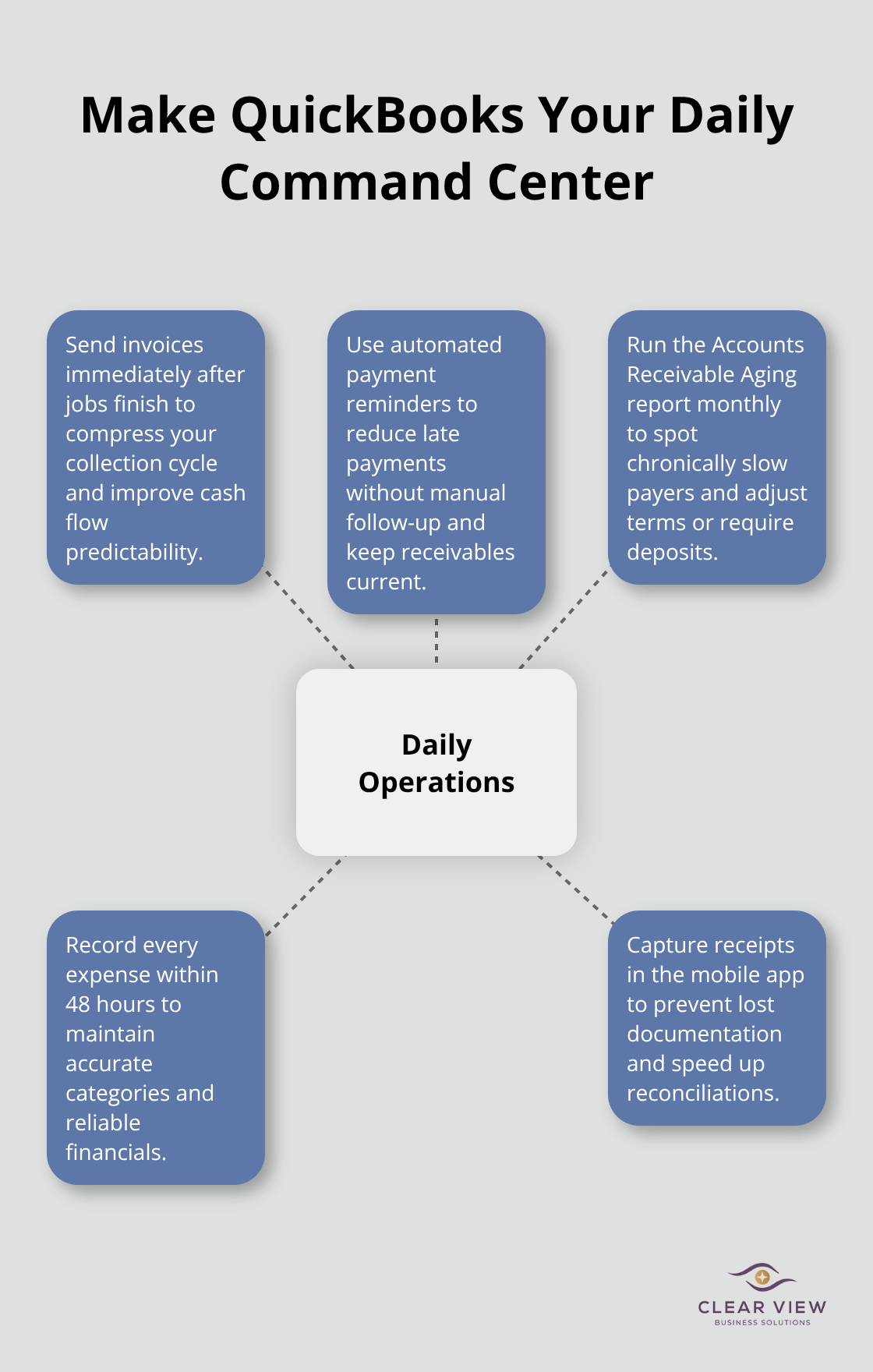
Track which customers pay slowly by running the Accounts Receivable Aging report monthly. If a client consistently pays late, you know to adjust your expectations or require deposits on future work.
Expense tracking reveals where your money actually goes, and most business owners discover they waste significant amounts once they start paying attention. Record every business expense in QuickBooks within 48 hours of spending-waiting longer creates gaps in your memory and makes categorization harder.
Use QuickBooks’ mobile app to photograph receipts immediately after purchase, which prevents the pile of crumpled papers that never make it into your books. Categorize each transaction correctly the first time rather than fixing it later. A $200 office supply purchase miscoded as equipment affects your tax planning and makes your financial reports misleading.
Create custom categories that match how you actually run your business rather than forcing expenses into generic QuickBooks defaults. If you pay vehicle expenses, fuel, and insurance from a single account, create separate categories for each so you can track transportation costs accurately.
Generate your Profit and Loss statement monthly, not just at tax time. Monthly reporting shows you which services or products generate real profit versus which ones barely cover costs. If your landscaping division shows strong margins while your snow removal division shows higher returns, that information should shape where you focus your effort.
Run your Balance Sheet quarterly to verify that QuickBooks reflects reality. Reconcile your accounts every month-this takes 30 minutes and catches errors before they compound into serious problems. These regular financial checkpoints (monthly P&L, quarterly balance sheet, consistent reconciliation) transform QuickBooks from a record-keeping tool into a strategic asset that guides your business decisions.
With your daily operations running smoothly, you’re ready to implement the advanced strategies that separate thriving Tucson businesses from those stuck in survival mode.
Automation separates Tucson business owners who work constantly from those who work strategically. Set up recurring bill payments in QuickBooks for expenses that hit your account on predictable schedules-rent, insurance premiums, subscription services, loan payments. When you automate a $2,000 monthly rent payment, you eliminate 24 manual transactions annually and remove the mental burden of remembering due dates.
QuickBooks handles the payment on schedule and records it automatically, which means your cash flow forecasting becomes accurate instead of guesswork. Configure these recurring transactions to process three days before the actual due date so you maintain a safety buffer. If a payment fails, you have time to investigate before missing a deadline.
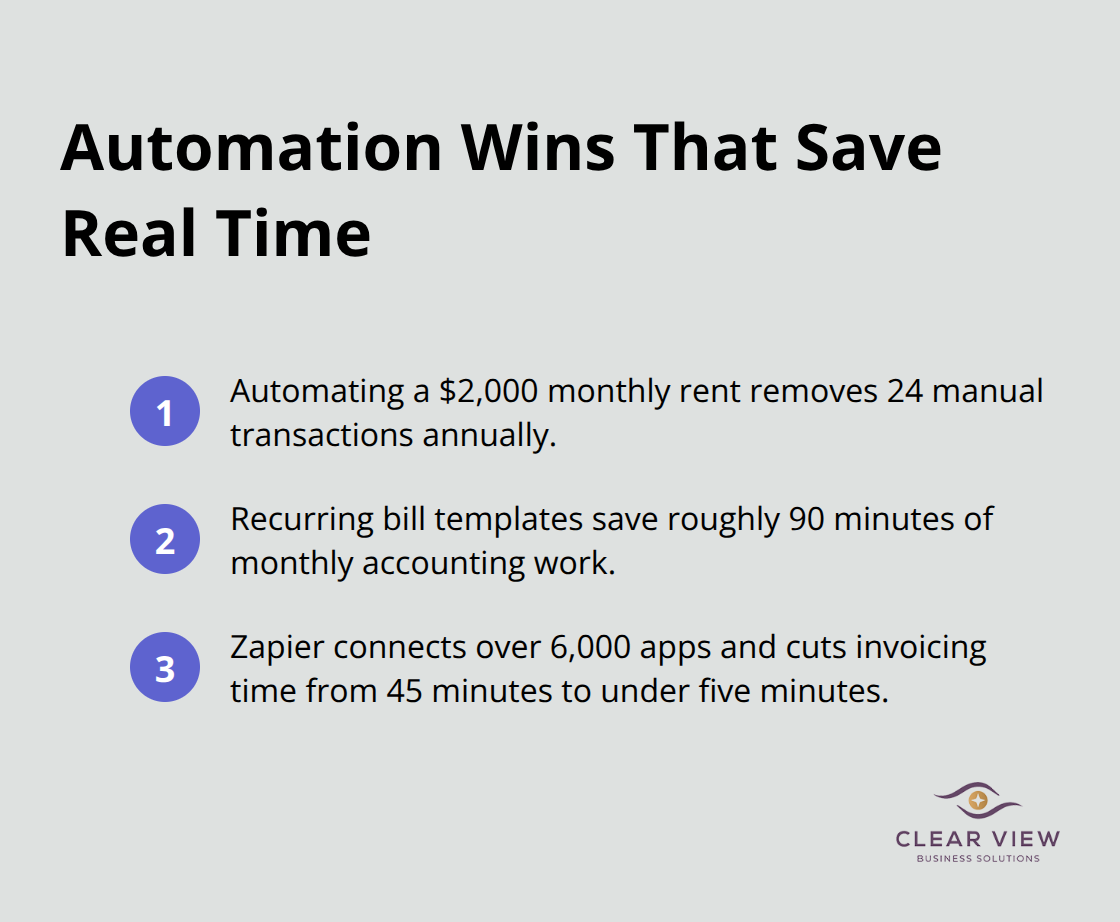
For bills that vary slightly each month like utilities, set up templates that you approve once before processing rather than entering them from scratch each time. This cuts your monthly accounting work by roughly 90 minutes while eliminating data entry errors that cause reconciliation headaches.
Custom reports reveal patterns that standard QuickBooks reports hide. Most Tucson business owners run their Profit and Loss statement and call it done, but that single report masks critical details about cash timing. Create a custom cash flow projection report that forecasts your bank balance 30, 60, and 90 days forward based on your outstanding invoices and upcoming bills.
Businesses with cash flow visibility make better decisions about hiring, equipment purchases, and pricing adjustments. Run this report weekly during the first 90 days of implementation, then monthly once your patterns stabilize. Another high-impact custom report tracks expenses by job or project, which shows you exactly which clients generate real profit versus which ones consume resources without adequate return.
If you integrate QuickBooks with Zapier, you can automate data flows from your scheduling software, time tracking tools, or CRM directly into QuickBooks without manual entry. Zapier connects over 6,000 applications, which means you can pull customer information from your CRM, automatically create invoices, and log the time your team spent on each project without anyone touching QuickBooks manually.
This integration cuts invoicing time from 45 minutes to under five minutes per job. If your team uses Slack, set up automated notifications that alert you when invoices go unpaid past your terms or when cash reserves drop below a threshold you specify. These alerts keep financial problems from surprising you on a Tuesday afternoon when you’re already stretched thin managing daily operations.
You’ve now moved through QuickBooks Online setup, mastered your daily operations, and implemented the advanced strategies that transform accounting from a burden into a competitive advantage. Tucson businesses that follow this path report spending 40% less time on accounting tasks while gaining clarity on their actual profitability. The progression from cloud setup to real-world use isn’t theoretical-it’s the difference between businesses that survive and those that thrive.
QuickBooks Online works best when you treat it as a strategic tool rather than a compliance checkbox. Your initial setup decisions about subscription tier and account structure ripple forward for years, your daily discipline around invoice timing and expense categorization directly impacts your cash flow, and your advanced automations and custom reports free you to focus on growing your business instead of managing spreadsheets. Commit to running your Profit and Loss statement monthly and your Balance Sheet quarterly so these regular financial checkpoints catch problems early and reveal opportunities you’d otherwise miss.
If you’re implementing QuickBooks Online Tucson training across your team or need guidance tailoring these strategies to your specific business structure, Clear View Business Solutions helps Tucson business owners move their accounting to the cloud and build financial systems that actually work. We provide full-cycle bookkeeping with QuickBooks training, tax planning, and the personalized guidance that transforms accounting from overwhelming to manageable.




At Clear View Business Solutions, we know you want your business to prosper without having to worry about whether you are paying more in taxes than you should or whether your business is set up correctly. The problem is it's hard to find a trusted advisor who can translate financial jargon to layman's terms and who can actually help you plan for better results.
We believe it doesn't have to be this way! No business owner should settle for working with a CPA firm that falls short of understanding what you want to achieve and how to help you get there.
Northwest Location:
7530 N. La Cholla Blvd., Tucson, AZ 85741
Central Location:
2933 N Campbell Avenue, Tucson, AZ 85719
© 2026 Clear View Business Solutions. All Rights Reserved.
At Clear View Business Solutions, we know you want your business to prosper without having to worry about whether you are paying more in taxes than you should or whether your business is set up correctly. The problem is it's hard to find a trusted advisor who can translate financial jargon to layman's terms and who can actually help you plan for better results.
We believe it doesn't have to be this way! No business owner should settle for working with a CPA firm that falls short of understanding what you want to achieve and how to help you get there. With over 20 years of experience serving hundreds of business owners like you, our team of experts combines financial expertise and proactive communication with our drive to help each client achieve results and have fun along the way.
Here's how we do it:
Discover: We start with a consultation to understand your specific goals, what's holding you back, and what success looks like for you.
Strategize & Optimize: Together, we design a customized strategy that empowers you to progress toward your goals, and we optimize our communication as partners.
Thrive: You enjoy a clear view of your business and your financial prosperity.
Schedule a consultation today, and take the first step toward being able to focus on your core business again without wondering if your numbers are right- or what they mean to your business.
In the meantime, download, "The Business Owner's Essential Guide to Tax Deductions" and make sure you aren't leaving money on the table.